




SAVE NOW! USE CODE BACK2WORK FOR 10% OFF SELECT SUBSCRIPTIONS

Already have existing seats (Go, Pro, Studio) and looking to add seats? Contact our Sales team

SketchUp Studio

1-Year Subscription | Professional Use
SketchUp Studio is suited to Windows users only.

$1,199.00 / year + GST

SKU: SKP-STDO-YR-CNL-02 Category:
SketchUp 10 percent off

SketchUp Studio brings your entire design workflow together – from concept to visualisation – in one seamless platform. Model, render, and document complex projects faster and with confidence.

Includes:

  • Point-clouds (Trimble Scan Essentials)

  • Revit Importer: Save hours by accurately and efficiently converting your Revit models into SketchUp geometry

  • V-Ray: Photo-realistic rendering

IMPORTANT: Please review our Subscription Policies

A subscription term is annual. You pay once when you start and you’re entitled to use all the features within your chosen SketchUp subscription for one full year. At the end of your 1 year term all e-commerce subscription purchases will automatically renew for an equal term at the then-current price.

Subscriptions also include access to all relevant software updates within the subscription term and support from our local technical support team.

Your SketchUp Pro Toolbox

SketchUp for iPad

Create, edit, and markup 3D projects on the go.

SketchUp for Web

SketchUp’s 3D modeler for use directly in a browser.

SketchUp for Desktop

Robust, professional desktop 3D modeler.

3D Warehouse

An online pre-built 3D model library: find almost everything.

Trimble Connect

Cloud storage and collaboration platform.

LayOut

2D documentation with text and vector illustration.

SketchUp Viewer for Mobile

Explore view-only 3D models on your mobile device.

Add Location

Geolocate your models and import map and terrain data.

V-Ray

Generate photorealistic renders and free up space on your computer with access to V-Ray’s rapid cloud rendering.

SHOW ME →

Extension Warehouse

The place to find and install SketchUp extensions.

SketchUp Viewer for Quest

View and present models in mixed reality on Quest devices.

PreDesign

Climate insights for better design.

Revit Importer

Save hours by accurately and efficiently converting your Revit models into SketchUp geometry for deeper collaboration.

SHOW ME →

Beautiful designs, backed by data

Master Your Designs with Confidence
Build on a foundation of truth. Quickly view and model on point cloud data to guarantee your designs are 100% accurate from the start.

Tell a Compelling Story
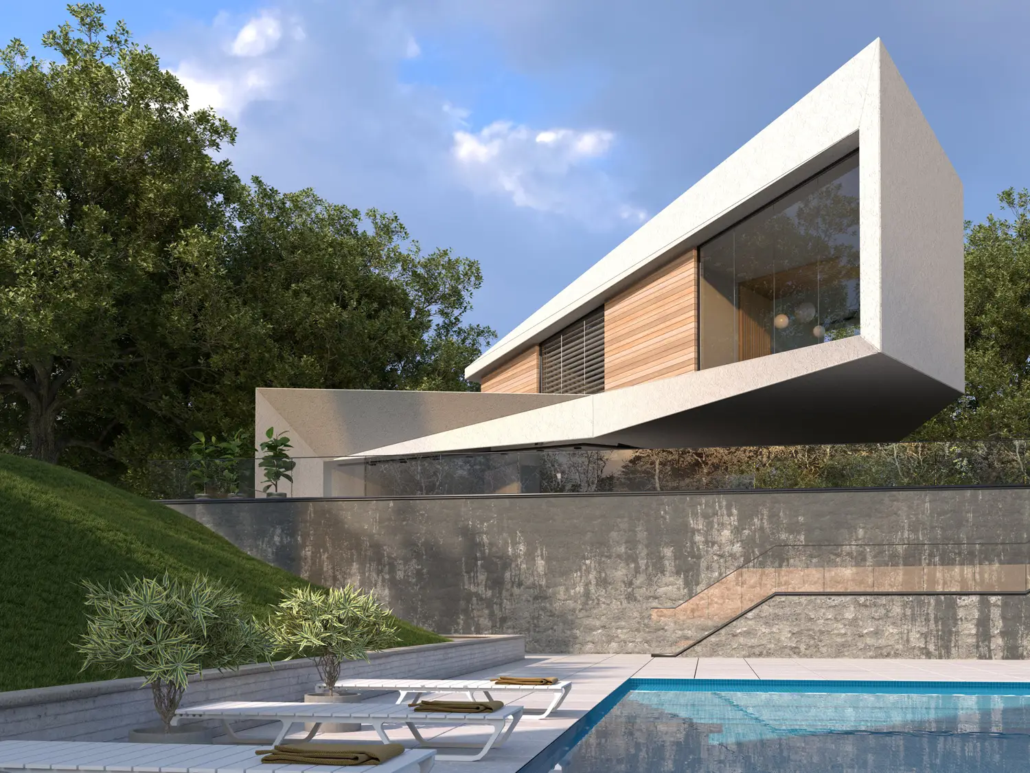
Go from rough sketch to stunning reality in record time. Generate professional-grade visuals that sell your ideas effortlessly.

Collaborate Without the Friction
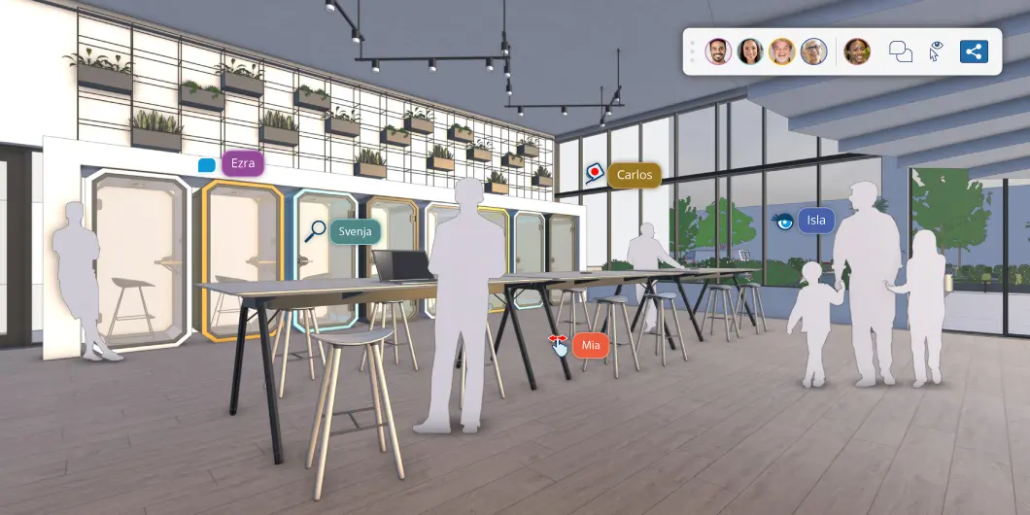
Keep everyone on the same page. Sync, review, and markup live models in one powerful, easy-to-use workspace.

SketchUp Studio
SketchUp Studio

Accurately model in 3D

Turn Scan Data into Design Reality

Work faster and smarter by modeling directly on point clouds. Whether your data comes from a drone, lidar sensor, or terrestrial scan, Scan Essentials integrates it perfectly into your 3D workspace.

From Raw Data to Construction Ready

  • Validate with Confidence: Quickly confirm model precision regardless of file size.

  • Document with Ease: Finalise your design and leap into the construction phase by creating 2D drawings directly from point cloud data in LayOut.

Generate high-quality visuals

Photorealism at Every Scale
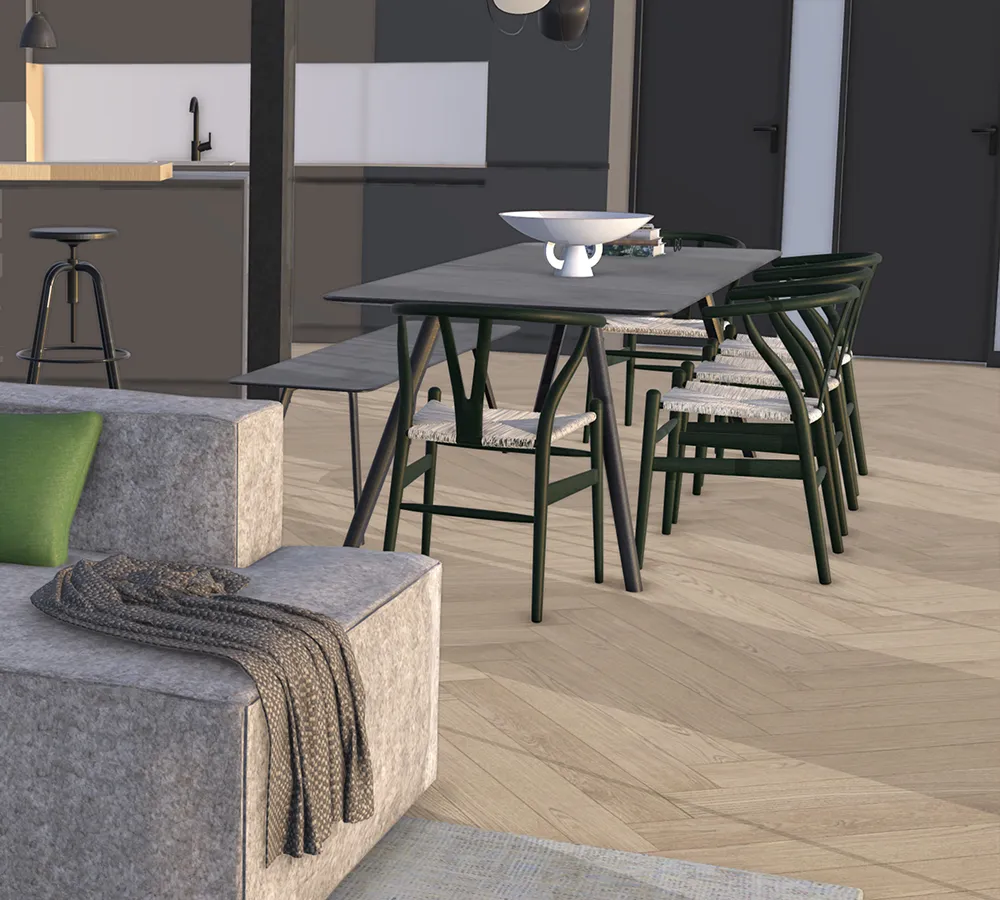
Whether you’re designing an iconic high-rise or a bespoke interior, V-Ray is the key to stunning visualisations. Harness the power of natural lighting, rich textures, and versatile shading to elevate your presentation.

Achieve professional-grade results effortlessly and let your designs speak for themselves.

Accurately model in 3D

FREQUENTLY ASKED QUESTIONS

SketchUp Studio is the premium toolkit for the AEC industry. While the Pro version focuses on core modeling, Studio provides an end-to-end workflow by adding advanced tools for point cloud processingBIM integration with Revit, and photorealistic rendering.

It is designed for NZ firms that need to handle complex data from site scans through to final construction documentation.

It is important to note that SketchUp Studio is a Windows-focused bundle. While the standard SketchUp Pro and LayOut applications run on macOS, the exclusive Studio features—V-RayScan Essentials, and the Revit Importer—are currently compatible only with Windows.

NZ designers using Mac hardware may find the Pro subscription more suitable unless they are running Windows via Parallels or Boot Camp.

For firms collaborating with engineers or consultants using Revit, the Studio subscription includes a native importer. This allows you to bring .rvt files into SketchUp as clean, lightweight geometry.

It intelligently organizes Revit categories (like walls, windows, and floors) into SketchUp tags, significantly reducing the time spent on “cleaning up” models for local council submissions or design reviews.

Yes. With the included Trimble Scan Essentials, you can import point clouds from various sources—including terrestrial scanners, mobile mapping, and drone captures.

This is particularly valuable in NZ for heritage projects or renovations in cities like Christchurch and Wellington, where “as-built” accuracy is critical.

You can view, snap to, and model directly on the points to ensure your 3D design perfectly matches the physical site.

SketchUp Studio includes a full license for V-Ray for SketchUp. This allows you to transform 3D models into cinematic, photorealistic visuals.

You can simulate real-world NZ lighting conditions, apply high-fidelity textures, and add atmospheric effects to create compelling presentations for clients, investors, or resource consent hearings.

Unique to the Studio workflow is the ability to take point cloud data directly into LayOut.

You can create 2D sections, elevations, and floor plans based on the 3D scan data. This ensures that your construction documentation is based on real-world measurements rather than estimated site dimensions.

A Studio subscription is a “named user” license tied to your Trimble ID. You can sign in and install the software on multiple machines, but you can only have two devices authorised at any one time, and only one instance of the software can be actively used.

This is convenient for designers who switch between an office workstation and a laptop for site visits.

If you currently hold an active SketchUp Pro subscription, you can usually upgrade to Studio mid-term.

The cost is typically pro-rated based on the time remaining in your current contract. This allows NZ firms to trial the advanced Revit and Scan features for a specific project without paying for a completely new seat.

You may also like

No products found which match your selection.

© Copyright - BuildingPoint NZ Pty Ltd