

SAVE NOW! USE CODE BACK2WORK FOR 10% OFF SELECT SUBSCRIPTIONS

SketchUp Go

1-Year Subscription

$179.00 / year + GST

SKU: SKP-GO-YR-CNL Category:

Design and collaborate on the go.

SketchUp Go is built for flexibility—perfect for hobbyists or anyone working on the move. Optimised for both web and mobile, it lets you create, edit, and share your designs straight from your browser or tablet.

Whether you’re sketching ideas on-site or fine‑tuning details back at the office, you can keep your projects progressing with cloud storage, seamless collaboration, and all the essential modelling tools at your fingertips.

Note: SketchUp Go does not work with our SketchUp ANZ 2D Drawing Templates, SketchUp Layout or Extensions. Go comes with the 3D modelling web app only.

See our Pricing page for feature comparison.

IMPORTANT: Please review our Subscription Policies

A subscription term is annual. You pay once when you start and you’re entitled to use all the features within your chosen SketchUp subscription for one full year. At the end of your 1 year term all e-commerce subscription purchases will automatically renew for an equal term at the then-current price.

Subscriptions also include access to all relevant software updates within the subscription term and support from our local technical support team.
Your SketchUp Go Toolbox

SketchUp for Web

Access and edit your projects from the cloud on any device, anywhere. All you need is the internet.

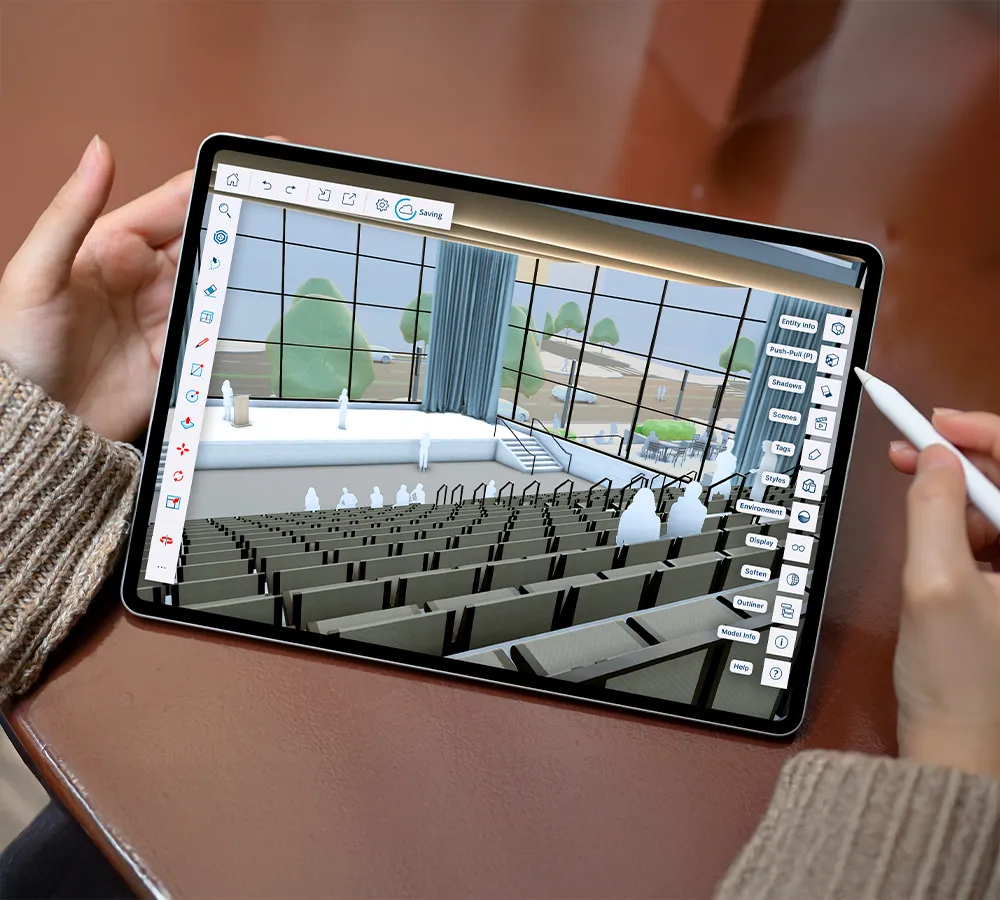
SketchUp for iPad

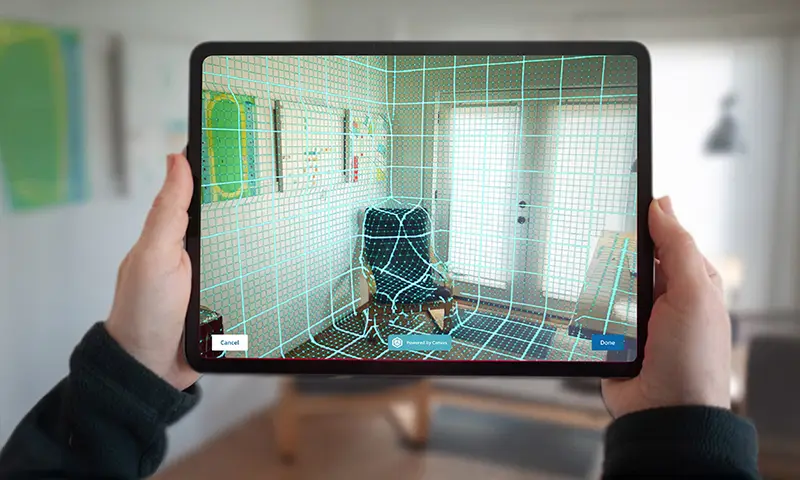
Capture your inspiration when it strikes with intuitive, portable 3D tools.

3D Warehouse

An online pre-built 3D model library; find almost everything.

Trimble Connect

Link data from more than 60 industry tools to keep projects running on schedule and on budget, from concept to build.

SketchUp Viewer for Mobile

Explore view-only 3D models on your mobile device.

SketchUp Viewer for Quest

View and present models in mixed reality on Quest devices.

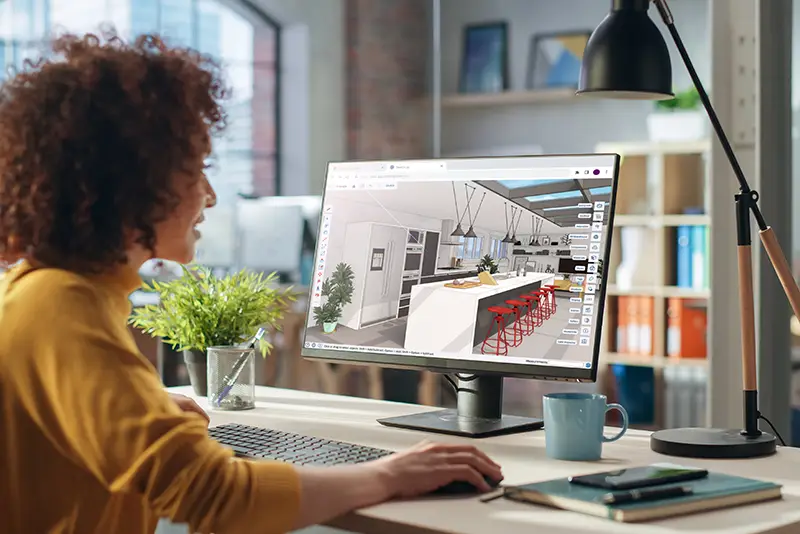
SketchUp Go user on desktop

Built for working anywhere

Work isn’t confined to a traditional office — it happens on job sites, at home, or while you’re on the move.

With specialised 3D modelling tools for iPad and web, SketchUp Go equips you with everything you need to get the job done, no matter where you are.

Quickly create 3D designs with SketchUp for iPad, synchronise your projects to the cloud via Trimble Connect, and pick up your work on any device using SketchUp for Web.

Working effortlessly on the go has never been more convenient.

From Sketchpad to SketchUp for iPad

Generate concepts quickly

Swiftly develop and refine your initial ideas directly on your iPad. Whether you prefer the precision of the Apple Pencil or the fluidity of smart drawing tools, you can create new forms or sketch over existing 3D models with ease. This mobile-first approach brings the flexibility of hand-drawing to the power of 3D modelling.

Integrate local site context

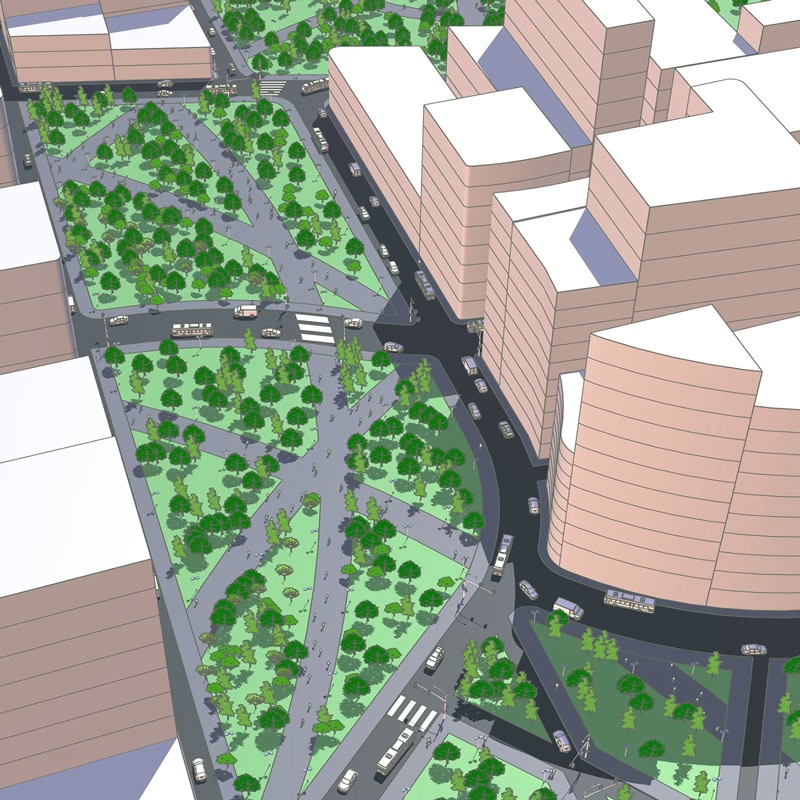
Give your projects a real-world foundation by importing high-resolution satellite imagery and terrain data. Use your iPad’s built-in camera to capture on-site textures for more realistic visualisations, and save time by pulling in ready-made components from the 3D Warehouse to populate your scenes with authentic products.

Simplify the review process

Make design feedback more efficient with digital markups. By annotating 3D models directly on your tablet, you can consolidate all commentary and revisions within a single, centralised 3D project. This reduces the need for paper plans and ensures nothing is lost in translation during the review phase.

Maintain project momentum

Keep your team and clients aligned by syncing design updates and essential changes to the cloud via Trimble Connect. Whether you are on-site or in the office, this seamless collaboration ensures all stakeholders have access to the latest project data, helping you move from concept to completion without delay.

SketchUp GO for iPad

FREQUENTLY ASKED QUESTIONS

SketchUp Go is a cloud-based 3D modelling subscription designed for professionals and creatives who need the flexibility to create, edit, and share designs from anywhere. It runs primarily in a web browser or via a mobile app – allowing you to work on the go without the need for a high-powered desktop computer.

SketchUp Go is a web and mobile-based solution, making it ideal for quick concept design, site-based presentations, and field collaboration. SketchUp Pro, on the other hand, is a full desktop software package featuring advanced tools, third-party extensions, and 2D documentation through LayOut, specifically built for complex professional workflows.

Yes. If you are using an iPad, the SketchUp for iPad app provides a powerful, tactile way to create and edit models using the Apple Pencil. For Android users, you can view your projects and coordinate with stakeholders using the SketchUp Viewer for Mobile or access your files through Trimble Connect.

SketchUp Go is primarily web-based and requires an internet connection for the full feature set.[1] However, you can open and view models through the mobile app offline once they have been downloaded to your device – perfect for reviewing designs on-site where connectivity might be limited.

Your subscription includes unlimited cloud storage via Trimble Connect. This allows you to host all your project data in a single source of truth, making it easy to share models and collaborate with clients and contractors in real time.

You can install and sign in to SketchUp on multiple devices; however, the subscription is licensed to a single named user. This means only one person can use the account, and you should only be signed in and active on one device at a time.

By purchasing locally, you gain access to dedicated regional support, industry expertise, and specialised training resources. You also have the peace of mind that comes with dealing with an authorised partner who understands the local New Zealand AEC (Architecture, Engineering, and Construction) landscape.

© Copyright - BuildingPoint NZ Pty Ltd